Browse by type
Model groups
Pick the group that matches your unit. Each links to the setup steps that actually differ for it.
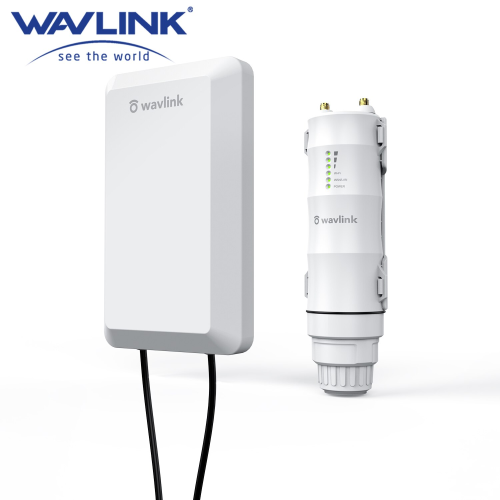
The premium line — PoE-powered, mounted, AP mode, IP65–IP67 rated. Setup differs enough to warrant its own page.
WN570HN2 · HS2 (N300)WN570HP2 (N300)WN570HA1 · HD2 (AC600)WN570HA2 (AC1200)WN572HG3 · HD4 (AC1200)WN572HP3 (AC1200)WN573HX1 · HD6 (AX1800)
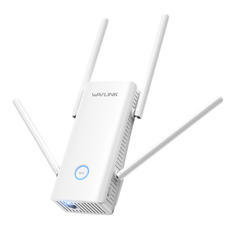
Wall-plug dual-band repeaters with Repeater/AP/Router modes. Dedicated AC1200 walkthrough covers this family specifically.
WN579X3 · Aerial XWN579X3-D · Aerial XDWN579G3WN579A3WN575A3
Entry-level 2.4GHz repeaters with Repeater/AP modes. Dedicated N300 walkthrough covers this family specifically.
WN578R2 · Aerial S2WN578S2 · Aerial S2QWN578W2WN578N2WN523N2
Newer high-throughput models with WPA3. Dedicated AX/WiFi 6 walkthrough covers this family. (The outdoor AX1800, WN573HX1, lives in the outdoor group.)
WN583AX1 · Aerial D4X (AX1800)AX3000 series